
Getting AVIF thumbnails in XFCE4 thunar (Debian Trixie)


The AVIF image format gets more and more popular in the web dev community, so I needed to teach XFCE4's thunar (file manager) and Ristretto (image viewer) to thumbnail these.
Luckily that is not too hard:
Debian Trixie separates its gdk-pixbuf libraries slightly differently than previous versions. That's why it is not "automatically there". Ensure you have the libavif-gdk-pixbuf plugin and the tumbler service (which XFCE uses to process thumbnails):
Thunar has likely tried (and failed) to load your AVIF files before you installed the package, it will have saved a blank or "broken image" placeholder in a thumbnail cache directory. It will not attempt to regenerate them unless you clear this cache:
rm -rf ~/.cache/thumbnails/*
# Force-quit thunar and the tumblerd background service
thunar -q
pkill tumblerd
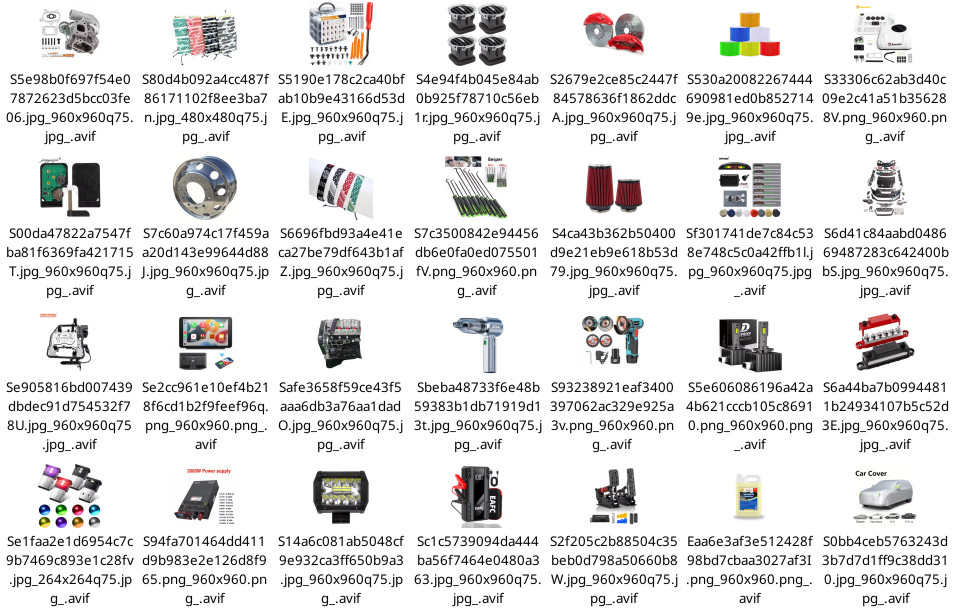
Tumbled will restart on its own when it is needed. When you open thunar again and navigate to your image directory ... your AVIF images will now generate thumbnails automatically like the other image format did already.
Comments
Display comments as Linear | Threaded
Bock on :
Thunar had tried, failed, remembered the failure and sensibly refused to reconsider.
The fix is simple: clear its memory and make it try again.
A surprisingly human solution. 🦌